Self-hosted platforms
Ferry
Self-hosted file sharing and nearby transfer.
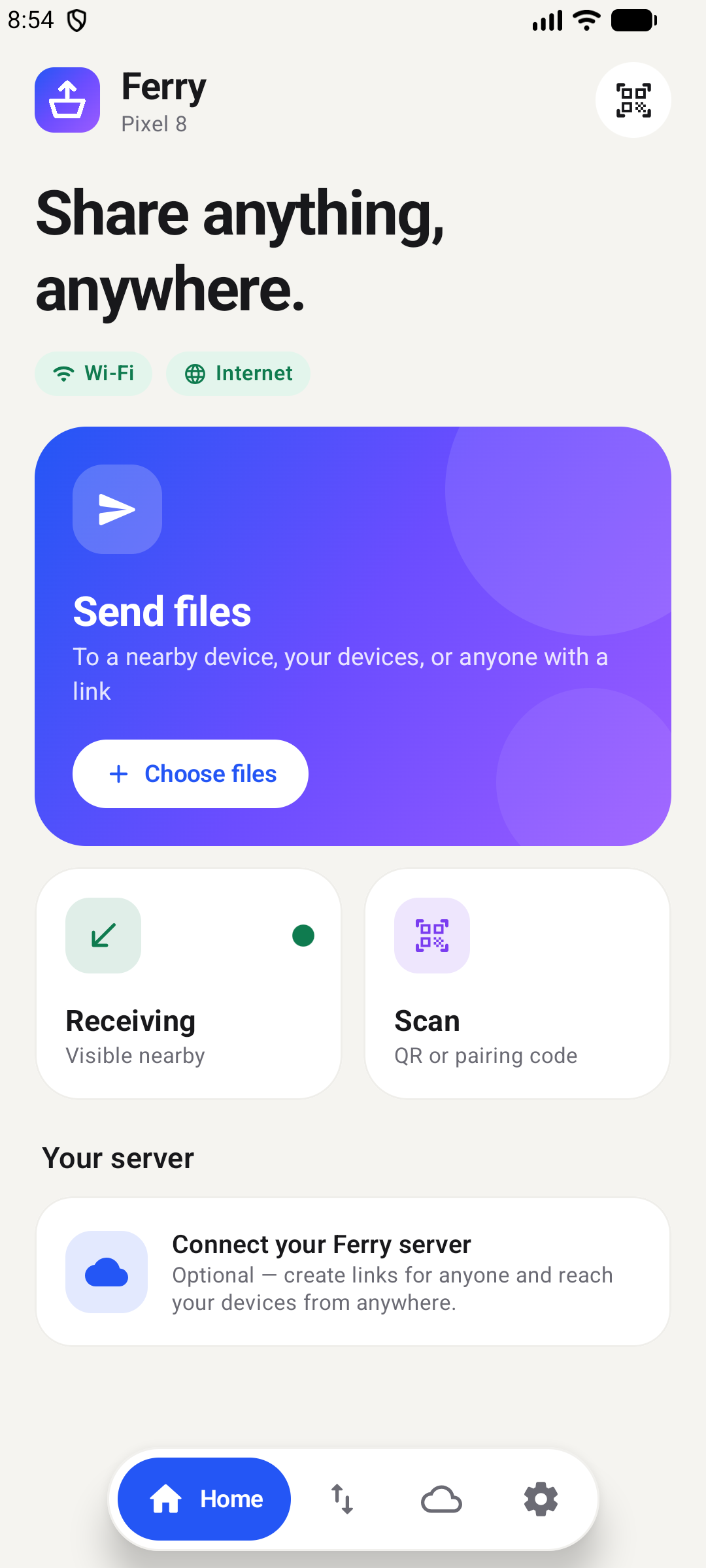
Share and upload links with expiry and passwords, plus offline nearby transfers between devices (LocalSend compatible).
Why I built it
Sending a big file between my own devices shouldn't need a cloud account. Ferry shares links from my server, and transfers directly when both devices are on the same Wi-Fi.
Architecture
How it fits together
Devices
Web
Android
Windows
Ferry
Share and upload links
expiry, passwords, limits
Resumable transfers
SHA-256 verified
Audit log
Nearby
Phone to phone
no internet, LocalSend-compatible
Screenshots
See it in use
Documentation
From the README
Send files to anyone, anywhere — from your own server, or directly between devices without internet.
Ferry is self-hosted file sharing and transfer. Your files stay on hardware you control; no accounts with third parties, no tracking.
- Share links with expiry, passwords, one-time and limited downloads
- Upload links so anyone can send you files from a browser
- Nearby transfers between phones on the same Wi-Fi or hotspot — no internet needed, compatible with LocalSend
- Your devices, anywhere: send from the web or your phone to your other devices through your server
- Resumable and verified: transfers continue after a dropped connection, and every file is checked with SHA-256
- Secure by default: two-factor sign-in, single sign-on (OIDC: Keycloak, Authentik, Google, …), session management, rate limits, full audit log
- Link analytics, notifications and themes: see who opened and downloaded your links, get Gotify or email alerts, optional short links via Shortr, 12 colour themes
Ferry runs as a single program with the web app built in, on Windows, macOS and Linux (including Raspberry Pi), or in Docker. Apps for Android and Windows are included.
Quick start
Docker
docker run -d --name ferry --restart unless-stopped -p 8080:8080 -v ferry-data:/data ghcr.io/anand34577/ferry:latest
Or with Docker Compose: download compose.yaml and run docker compose up -d.
Program
Download the file for your system from the latest release, unpack it, and run:
| System | Try it | Install as a service (starts automatically) |
|---|---|---|
| Windows | double-click ferry.exe | .\ferry.exe service install in an Administrator terminal |
| macOS | ./ferry | sudo ./ferry service install |
| Linux | ./ferry | sudo ./ferry service install |
Then open http://localhost:8080 and create the administrator account.
Next: put Ferry online with HTTPS before sharing links outside your network.
Documentation
| Get started | Use Ferry | Run a server |
|---|---|---|
| Getting started | User guide | Configuration |
| Install with Docker | Android app · Windows app | Administration |
| Install the program | Single sign-on | |
| Troubleshooting | ||
| HTTPS |
Developers: Development guide · Contributing
Project layout
| Folder | Contents |
|---|---|
backend/ | Server (Go): API, share pages, storage, service management |
web/ | Web app (React, TypeScript), built into the server |
android/ | Android app (Kotlin, Jetpack Compose) |
desktop/ | Windows app (Go + Wails, React) |
deployment/ | Example settings and reverse proxy configurations |
Security
Please report vulnerabilities privately as described in SECURITY.md, not in public issues.
Self-hosted platforms